


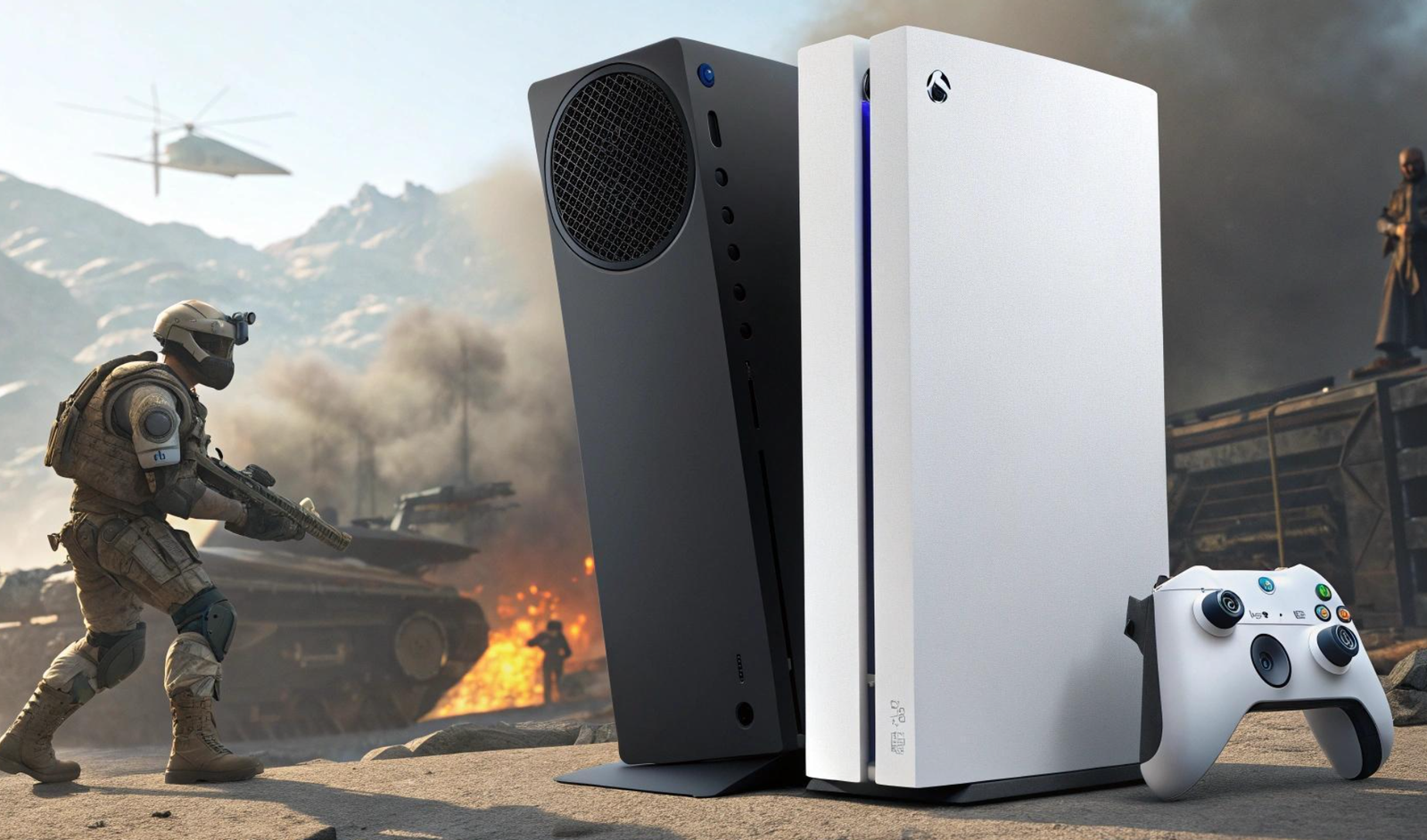
Looking to boost your Warzone gaming on Xbox or PlayStation? Setting up a VPN is a smart move. It helps reduce lag, protects your privacy, and lets you access servers from around the world.
But since consoles don’t support VPN apps directly, the setup can feel tricky. Don’t worry, with the proper methods, you can easily connect your console to a VPN and enjoy smoother, safer gameplay.
In this guide, we’ll walk you through simple, effective ways to set up a VPN on Xbox and PlayStation. At the end, you’ll find the best options to enhance your Warzone experience and stay secure online. Let’s dive in!
How a VPN Enhances Warzone Gameplay?
Utilizing a VPN can significantly enhance your Warzone gaming experience in several key ways. It improves your connection stability by reducing lag and preventing sudden ping spikes.
This smoother gameplay means fewer frustrating interruptions, giving you a competitive edge in fast-paced battles.
A VPN helps protect your privacy and security by masking your IP address, shielding you from potential DDoS attacks often targeted at high-profile gamers.
Another benefit is access to different game servers around the world. With a VPN, you can connect to servers in various regions, allowing you to play with friends globally or find less crowded servers for faster matchmaking. This flexibility can enhance your gaming experience and expand your Warzone community.
Some players also use VPNs to bypass regional restrictions or early game updates, enabling quicker access to new content. While using a VPN won’t magically improve your in-game skills, it optimizes your connection and security, which can translate into better performance and less frustration.
Benefits of Using a VPN for Warzone
There are several key advantages to using a VPN while playing Warzone. At the core, a VPN provides a more stable and secure connection, which is crucial in a fast-paced battle royale environment. Let’s explore the advantages:
Improved Connection Stability and Lower Latency
VPNs can reduce lag by routing your traffic through faster, less congested servers. This often results in a smoother gameplay experience, minimizing ping spikes that disrupt your timing and accuracy. A reliable connection means you can focus entirely on your strategy and reflexes.
Enhanced Online Privacy and Security
Playing Warzone without protection exposes your IP address, making you vulnerable to DDoS attacks from hostile players. A VPN hides your real IP, safeguarding you from such threats.
This layer of privacy also protects your data from potential hackers and keeps your identity anonymous during intense online matches.
Access to Global Servers and Diverse Matchmaking
With a VPN, you can connect to servers across different regions. This allows you to join matches with friends worldwide or explore less crowded servers, resulting in quicker matchmaking and a more varied gameplay experience. Expanding your server options gives you flexibility and a fresh gaming experience.
Bypass Geo-Restrictions and Early Game Updates
Sometimes, game patches, events, or new maps are rolled out regionally. A VPN allows you to bypass these geo-blocks, providing you with early access to content before it becomes available in your area.
This advantage keeps you ahead in the game and lets you enjoy new features as soon as they launch.
Reduce Lag and Ping
A VPN can lower your ping by routing your connection through faster, less congested servers. This helps reduce lag spikes and ensures smoother gameplay, which is vital in the fast-paced action of Warzone.
DDoS Protection
Competitive gamers often face DDoS attacks that disrupt their connection and cause disconnections. A VPN masks your real IP address, protecting you from these malicious attacks and keeping your gameplay uninterrupted.
Access Geo-Restricted Servers
Many game updates, events, or servers are limited to specific regions. With a VPN, you can bypass geo-restrictions and connect to servers worldwide, unlocking new content and expanding your multiplayer options.
Avoid IP Bans
Using a VPN helps prevent permanent IP bans by hiding your actual IP address. This is especially useful if you’ve experienced false bans or want to protect your account from unfair restrictions.
Stay Secure on Public Wi-Fi
Gaming on public Wi-Fi networks can expose you to hackers and data theft. An optimized gaming VPN encrypts your connection, ensuring your data and identity remain safe even on unsecured networks.
Can You Install a VPN Directly on Xbox or PlayStation?
You cannot install a VPN app directly on gaming consoles like Xbox and PlayStation. Unlike PCs or smartphones, Xbox and PlayStation consoles do not support the direct installation of VPN apps.
But you can still use a VPN with your console through alternative methods such as:
Use a VPN by Setting It Up on Your Router
A popular workaround is to configure a VPN directly on your home router. Once your router is connected to a VPN server, all devices on your network, including your Xbox or PlayStation, benefit from VPN protection. This method secures your entire home network and helps you bypass geo-restrictions.
Share VPN Connection from a PC or Mac
If router setup isn’t an option, you can share your computer’s VPN connection with your console. By connecting your console to your PC via Ethernet or using a Wi-Fi hotspot, you route your gaming traffic through the VPN, enhancing security and unlocking region-locked content.
Best VPN Setup Methods for Xbox & PlayStation
Since gaming consoles don’t support VPN apps directly, here are the three best methods to set up a VPN for smooth and protected gameplay.
Method 1: VPN via Smart DNS for Warzone
Smart DNS is a popular option for gamers who want to bypass geo-restrictions without compromising their connection speed. Instead of encrypting your entire traffic like a traditional VPN, Smart DNS reroutes only specific parts related to your location.
This means faster speeds with access to region-locked servers or content in Warzone.
Many VPN providers include Smart DNS as part of their service, making it easy to configure directly on Xbox or PlayStation through network settings.
Method 2: VPN via Router Setup
Installing a VPN on your router covers all devices connected to your home network, including gaming consoles and other devices. This method encrypts all internet traffic and allows access to servers worldwide.
Router-based VPN setup provides a seamless experience without requiring additional hardware.
While it requires some technical know-how, most VPN providers offer detailed guides for configuring popular router models. This setup ensures consistent protection and avoids the need for manual connections on individual devices.
Method 3: VPN via PC Connection (Ethernet Sharing)
If you prefer not to change your router settings, sharing a VPN connection from your PC to your console is an effective alternative. By connecting your Xbox or PlayStation to your PC via an Ethernet cable or Wi-Fi hotspot, you can route console traffic through the VPN active on your computer.
This method offers flexibility, allowing for easy switching between VPN servers without requiring changes to the router’s configuration.
It’s perfect for gamers who want quick setup and control without the need for extra devices.
Want a Standalone VPN App for Your Console?
If you’re considering developing your own standalone VPN app for gaming consoles, Kolpolok Limited is the ideal partner. With extensive experience in creating robust, secure, and high-performance VPN applications, they can help bring your custom VPN solution to life—optimized for gaming, privacy, and speed.
Conclusion
Setting up a VPN on your Xbox or PlayStation for Warzone doesn’t have to be complicated. You can choose to use Smart DNS, configure your router, or share a VPN connection from your PC; each method offers distinct benefits to enhance your gaming experience.
A VPN not only enhances security but also reduces lag and unlocks access to global servers. By protecting your connection, you can focus on your gameplay without worrying about interruptions or restrictions.
Now that you know the best ways to get started, it’s time to pick the method that fits your setup and start enjoying smoother, safer Warzone matches. Don’t wait, boost your gaming experience today with a reliable VPN connection!
FAQs
Will a VPN get you banned in Warzone?
Using a VPN in Warzone doesn’t automatically trigger a ban, but suspicious activity, such as IP hopping or matchmaking exploitation, can lead to account reviews or penalties. Always follow Call of Duty’s terms to avoid detection.
Is a free VPN good for gaming?
Free VPNs typically have slower speeds, limited server options, and higher latency, making them unsuitable for competitive gaming. Paid VPNs with optimized gaming servers provide better performance, reduced lag, and more reliable connections.
Can a VPN help find easier Warzone lobbies?
Some players use VPNs to connect to regions with less competitive Warzone lobbies. While this can work, results vary, and Activision does not officially support it. Overuse may lead to matchmaking issues or suspicion.
Can a VPN always reduce my ping in Warzone?
A VPN can lower ping if it provides a faster route to the game server, but it’s not guaranteed. In many cases, VPN routing can increase latency, depending on the distance to the server and network congestion.
Does a VPN help with Warzone server crashes?
A VPN can’t prevent Warzone server crashes, as those occur on Activision’s end. However, it may help reroute your connection to a more stable server if regional instability or routing issues are the cause.
Meta title:
How to Set Up a VPN on Xbox & PS5 for Warzone – Fast, Lag-Free Gaming!
Meta Description:
Set up a VPN on Xbox & PlayStation for Warzone. Reduce lag, bypass geo-blocks, and protect your gaming. Step-by-step guide for 2025.
