


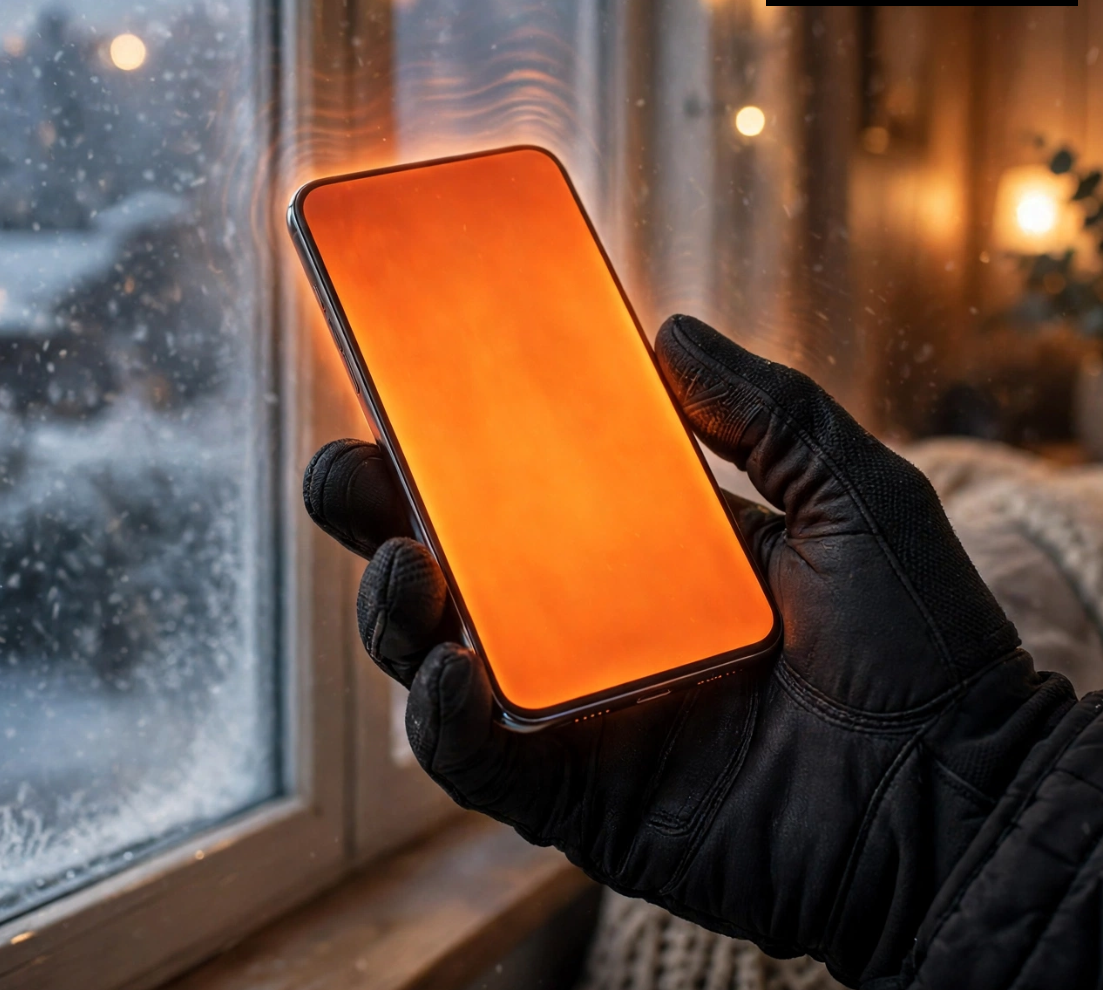
You’re indoors, it’s freezing outside, and your phone is somehow burning hot in your hand. The screen dims mid-game. Frame rate tanks. A temperature warning flashes across your stream right as your viewers are watching.
Cold weather and phone overheating shouldn’t go together — but they do, more often than most people expect. Here’s what’s actually going on.
The “It’s Cold Outside” Myth
The assumption makes sense on paper: cooler air should carry heat away from your phone faster. But think about where you actually use your phone in winter.
You’re indoors. The room is heated to around 68–75°F (20–24°C) — essentially the same ambient temperature as summer. When you’re outside, your phone is tucked in a pocket or buried in a gloved hand, insulated from the cold. The surrounding air temperature barely factors in.
Overheating isn’t a weather problem. It’s a workload problem.
Where the Heat Actually Comes From
Your phone’s CPU and GPU generate heat every time they’re pushed hard. Gaming, live streaming, 4K recording, and video calls all drive sustained, high-load processing. Smartphones deal with this using passive cooling — copper vapor chambers, graphite layers, and thermal spreaders that move heat to the chassis and back panel, where it can radiate outward.
That system has a ceiling. If your chips produce heat faster than the chassis can dissipate it, internal temperature climbs. Outside weather has almost nothing to do with that equation.
Winter Habits That Make Things Worse
Bulky Cases Trap Heat
Winter often means switching to rugged or leather cases for extra drop protection. The tradeoff: they act as insulation. The back panel — your phone’s primary heat exit point — can’t do its job when it’s wrapped in thick material.
Heated Rooms Add Ambient Load
Radiators, space heaters, and heated car vents raise the air temperature around your phone. That narrows the gap between device temperature and room temperature, making passive cooling far less effective.
Longer Indoor Sessions
Shorter days push people indoors and onto their phones longer. A two-hour gaming session or back-to-back streams keeps the processor under sustained load. Streaming is particularly brutal: the phone is simultaneously running the camera, encoding video, and pushing a live upload — often while a game is running in the background.
The Cold Battery Problem
Lithium-ion cells lose capacity in the cold. Come back inside with a half-drained battery and plug into a fast charger, then immediately start gaming — and you’ve layered three separate heat sources on top of each other. Many phones respond by slowing charging down until the battery warms up, but the heat is already building.
Thermal Throttling Doesn’t Care What Month It Is
When your phone’s internal sensors flag high temperatures, the processor deliberately slows itself down to cut heat output. This is thermal throttling — your phone protecting itself at the cost of your performance.
You’ll feel it as stuttering gameplay, dropped stream frames, dimmed brightness, paused charging, or a sudden camera shutdown. The trigger is internal chip temperature, not the weather app. Your phone will throttle in January the same way it does in July if the workload is high enough.
What Actually Helps
Ditch the Case During Heavy Sessions
Thick or rugged cases trap heat. Switching to a slim TPU case — or no case at all — during long sessions gives the back panel room to breathe.
Let a Cold Phone Warm Up Before Charging
After time outside, wait 15–30 minutes before plugging in. Charging a cold battery stresses it and adds heat on top of recovery. Skip the urge to warm it on a heater.
Avoid Fast Charging Mid-Session
If possible, charge before you play or stream. If you have to charge during a long stream, standard charging runs cooler than fast charging and puts less stress on the battery simultaneously.
Drop Your Performance Ceiling
Capping your game at 60 FPS instead of 90 or 120, or streaming at 720p instead of 1080p, cuts GPU and encoding load more than most other adjustments combined. The quality difference is often barely noticeable; the thermal difference is significant.
Mind Your Environment
Hard surfaces dissipate heat better than soft ones. Keep your phone off beds, pillows, and blankets during use. Avoid positioning it near heat vents or in direct sunlight through a window.
Use Active Cooling When Passive Isn’t Enough
For extended gaming or streaming sessions, a clip-on cooler with an active cooling plate makes a real difference. These devices pull heat directly off the back panel rather than waiting for it to radiate on its own. If you’re looking for options built specifically around mobile gaming and streaming use cases, this overview of phone cooling solutions is worth a look. One important spec to check: condensation control. Dry indoor winter air combined with a cold plate can cause moisture buildup if the cooler isn’t designed to handle it.

Skip the Fridge Trick
Putting your phone outside or in a freezer to cool it down quickly causes rapid condensation inside the device. The cold air fix that feels obvious is one of the few things that can actually damage internal components.
FAQ
Can a phone actually overheat when it’s cold outside?
A: Yes. Heat comes from internal workload — not ambient temperature. Gaming, streaming, and fast charging generate the same heat in winter as in summer.
Why does my phone die in the cold but get hot indoors?
A: Cold reduces battery output outdoors. Indoors, charging and heavy processing generate heat, and they often happen at the same time.
Should I charge my phone right after coming in from outside?
A: Give it a few minutes to reach room temperature first. Charging a cold battery can accelerate wear and trigger additional heat as it recovers.
Do thick winter cases cause overheating?
A: They don’t create heat, but they trap it. During sustained use, that extra insulation can push your phone into throttling territory faster.
Are phone coolers actually effective in winter?
A: Yes. Active coolers work regardless of season — they’re pulling heat off the chip, not the air. Just make sure the one you pick handles condensation well.
Final Thought
Cold weather doesn’t give your phone a free pass. The CPU and GPU run just as hot in January, and winter habits — thicker cases, heated rooms, longer sessions, and cold battery stress — often make things worse than a typical summer afternoon.
The fix isn’t complicated: reduce the load where you can, let heat escape from the chassis, charge smart, and add active cooling if you’re running long sessions regularly. That combination will do more for your phone’s performance and longevity than any seasonal assumption ever could.
