


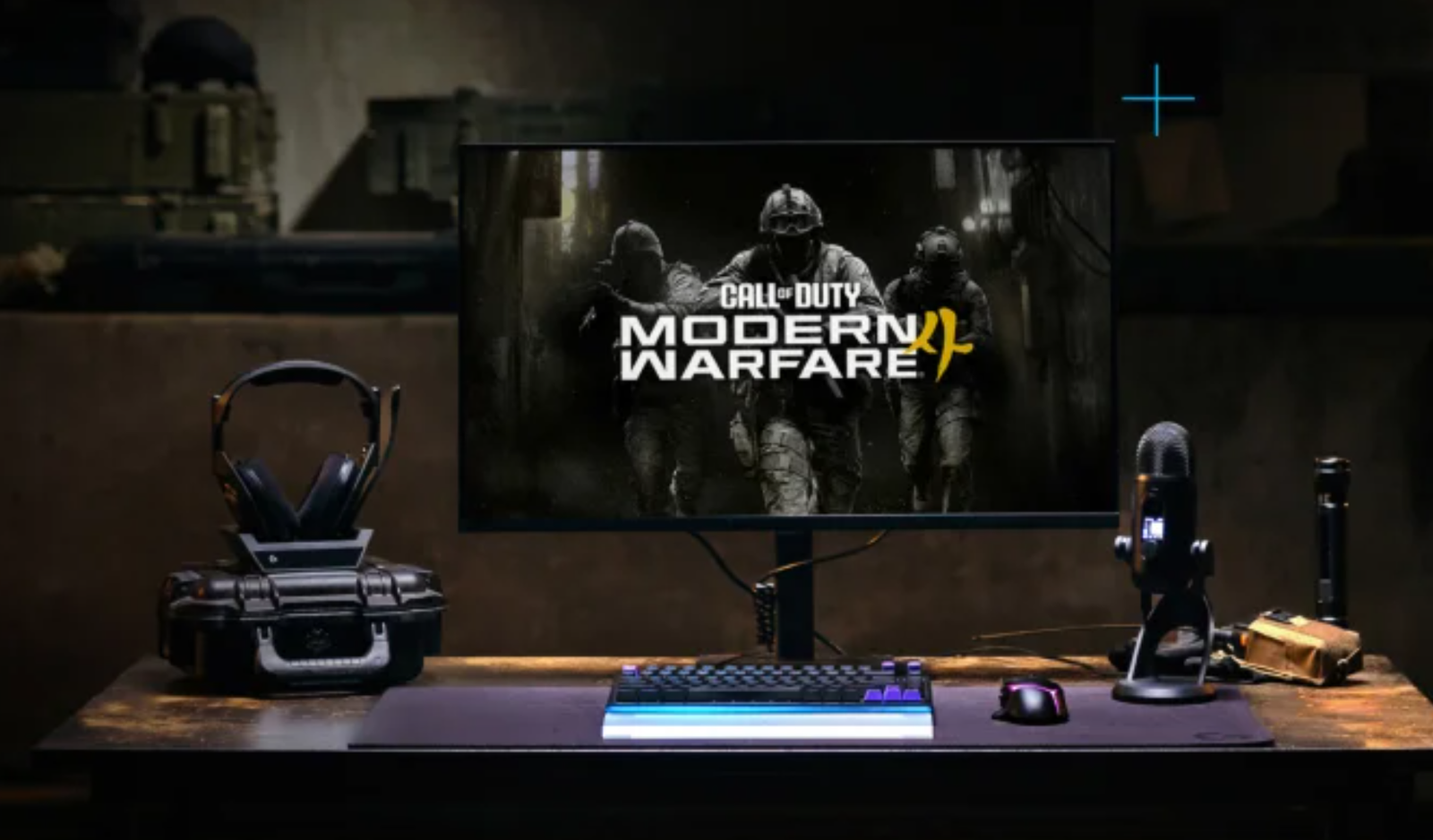
Short answer: a comfortable setup for Modern Warfare 4 isn’t about expensive gear. It comes down to four adjustable things. Sit about 20–40 inches (50–100 cm) from your monitor, measured from your eyes, with its top edge at or slightly below eye level. Keep your elbows bent 90–120 degrees and wrists straight. Keep headset listening moderate and use volume limits where your device offers them. And put your screen at right angles to windows to cut glare. These are general comfort and safe-listening recommendations from OSHA and the WHO, not settings proven to improve aim or make long gaming sessions risk-free.
Ergonomic figures come from OSHA’s Computer Workstations eTool and the WHO-ITU safe listening standard, last checked October 26, 2026. This guide covers PC and console desks; it isn’t medical advice.
Desk layout
MW4 runs on PC, PS5, Xbox Series X|S and Nintendo Switch 2 (Activision), so a gaming desk can be a PC battlestation or a console connected to a monitor. The same basic monitor, seating and lighting principles apply; hand and arm support may differ with a controller.
Figure 1. Top view. Measure the distance from your eyes to the screen, not from the back of the chair.
| Zone | What goes there | Why |
|---|---|---|
| Primary (straight ahead) | Monitor, keyboard or controller, mouse | Avoid twisting; OSHA advises facing the monitor directly, no more than 35° off centre |
| Secondary (arm’s reach) | Headset hook, drink, phone | Reach without leaning |
| Peripheral (side or under desk) | PC tower, console, power strip, cable tray | Keep feet and knees free |
Posture
Figure 2. Side view of OSHA’s neutral seated posture.
OSHA’s neutral working posture for seated computer work:
| Body part | Target | How to achieve it |
|---|---|---|
| Head | Level, forward-facing, in line with the torso | Monitor height and distance |
| Elbows | Close to the body, bent 90–120° | Chair height and armrests |
| Wrists | Straight, in line with forearms | Keyboard height; skip keyboard feet if they bend the wrist |
| Back | Supported, upright or slightly reclined | Lumbar support |
| Thighs | Supported, roughly parallel to the floor | Seat height and depth |
| Feet | Flat on the floor, or on a footrest | Footrest if the desk can’t be lowered |
Keyboard and mouse: OSHA says elbows should be at about keyboard height, with the keyboard directly in front of you and the mouse at the same height and reach (OSHA keyboards). For FPS players who move the mouse a lot, that usually means a mouse pad on the same surface as the keyboard, not on a raised stand.
Example: if your elbows sit below the desk edge and your shoulders rise when you aim, the desk is too high for your chair. Raise the chair until your elbows reach keyboard height, then add a footrest if your feet no longer rest flat.
Monitor placement
From OSHA’s monitor guidance:
| Measure | Recommendation |
|---|---|
| Distance | At least 20 inches; preferably 20–40 inches (50–100 cm) from eye to screen |
| Height | Top of the screen at or slightly below eye level; screen centre about 15–20° below horizontal eye level |
| Tilt | Roughly perpendicular to your line of sight; typically tilted back no more than 10–20° |
| Horizontal angle | Directly in front of you, no more than 35° left or right of centre |
| Windows | Screen at right angles to windows |
These OSHA recommendations are a starting point for comfort, not MW4-specific performance settings. Adjust distance and height to your screen size, eyesight and seating position while keeping your neck and wrists neutral. Larger monitors usually sit toward the far end of the range, so you can see the whole screen, including the HUD at the edges, without moving your head. If you wear varifocal or bifocal glasses, a slightly lower screen may suit you better.
Sound
Good audio helps you follow footsteps and positions in a shooter. Listening volume deserves special attention because sustained high sound exposure can increase the risk of hearing damage.
Safe listening: the WHO-ITU standard uses a reference listening allowance of 80 dB for 40 hours per week for adults (75 dB for children); louder sound uses up that allowance more quickly. Your device’s volume percentage does not directly tell you the dB level at your ears, so use supported exposure tracking or volume-limiting features where available (WHO-ITU standard).
| Practice | Why |
|---|---|
| Lower music and voice-chat levels if they mask useful audio cues; avoid compensating by raising loud effects, especially gunfire and explosions | Keeps cues audible without pushing peak loudness |
| Keep overall listening comfortable; turn on volume limits or exposure tracking if available | The WHO-ITU standard recommends these features |
| Use closed-back or noise-isolating headphones in noisy rooms | Less temptation to turn up volume to cover room noise |
| Take headset breaks | Reduces total weekly exposure |
Headset vs speakers: depending on the game’s audio settings and your hardware, headphones can make directional cues easier to follow and keep voice chat private. Speakers are often more comfortable for long sessions but let sound into the room.
Lighting
From OSHA’s workstation environment guidance:
- Place the screen at right angles to windows and bright light sources.
- Use blinds or curtains to control bright daylight.
- Add a desk lamp positioned so its light doesn’t reflect on the screen.
- Clean the monitor; dust adds to glare.
For gaming rooms: a dark room with a bright screen creates strong contrast. Soft light beside or behind the monitor, not reflecting on it, reduces that contrast. Avoid a lamp directly behind you, which shows up as a reflection.
Eye breaks: periodic visual breaks can help with screen fatigue, and OSHA recommends them for monitor work. One popular reminder is the 20-20-20 rule (every 20 minutes, look at something about 20 feet away for 20 seconds); treat it as a practical prompt to look away and blink, rather than as a medical guarantee. In MW4, natural moments are between matches or back at the base between DMZ deployments.
Three real-room setups
1. Shallow desk, large monitor
| Problem | The desk is too shallow to keep a large screen 50–100 cm from your eyes |
| What to do | A rated monitor arm can help reclaim desk depth, provided the desk and clamp are compatible and the screen remains securely supported. Alternatively, pull the desk slightly away from the wall |
| Watch out for | Never let the monitor’s base or mounting hardware rest unsupported beyond the desk edge. Check that the arm’s weight rating matches your monitor. Comfortable distance matters more than screen size |
2. Console and controller at a desk
| Problem | Holding a controller with arms in the air, or tilting your head down to a low screen |
| What to do | Support your forearms on the desk or armrests; set the screen straight ahead at the same height rules as a PC monitor; keep the console in the peripheral zone with cables clear of your feet |
| Watch out for | Leaning forward toward the screen over long sessions: move the screen, not your neck |
3. Two monitors and a window to the side
| Problem | Glare from the window and a second screen that pulls your head sideways |
| What to do | Centre the screen you game on; put the second one to the side, angled toward you, for chat or guides. Keep the window at right angles to the main screen and use curtains or blinds in bright hours |
| Watch out for | Splitting the desk evenly between two screens, which leaves the main one off-centre |
What to fix first
Fix placement and adjustability before upgrading expensive equipment. Depending on your room, the first useful change may be a monitor riser, a footrest, a different chair adjustment, or better lighting — not necessarily a new chair.
These columns illustrate levels of adjustability and available options, not measured product quality or guaranteed comfort. A correctly fitted basic setup can work better than an expensive but poorly adjusted one. Prices and models vary too much by country to list.
| Area | Starter | Mid | High |
|---|---|---|---|
| Monitor position | Books or a fixed riser | Height-adjustable stand | Monitor arm (height, depth, tilt) |
| Chair | Height adjustment plus a back cushion | Adjustable lumbar support and armrests | Adjustable seat depth, armrests and recline |
| Feet | Box or step | Adjustable footrest | Sit-stand desk set to the right height |
| Audio | Wired headset with volume control | Closed-back headset with separate mic | Headset plus speakers |
| Lighting | Repositioned lamp and curtains | Shaded lamp aimed away from the screen | Dimmable light behind the monitor |
| Monitor itself | The one you have, positioned correctly | Higher refresh rate within your system’s capabilities | Size matched to your desk depth |
Measure before buying anything (five minutes, a tape measure):
- Sit in your usual gaming posture, back against the chair.
- Measure your elbow height from the floor with your arms relaxed and bent at about 90°; compare it with the desk height.
- Measure eye-to-screen distance and desk depth.
- Check that your feet are flat on the floor; if not, note the gap for a footrest.
- Look at the screen in daylight and in the evening with your usual lamps on, and note any reflections.
Long sessions: MW4’s progression can mean long play sessions, which is why some players look at shortcuts such as third-party mw4 boosting services (independent of Activision; check the delivery format and Activision’s terms first). Whatever you choose, a setup that stays comfortable for hours matters more than one that looks good in photos; split long sessions with short posture and eye breaks.
Setup checklist
- Monitor 20–40 in (50–100 cm) from your eyes, directly in front of you
- Top of the screen at or slightly below eye level; tilted back 10–20° at most
- Screen at right angles to windows; no lamp behind you reflecting on it
- Chair height set so elbows reach keyboard height at 90–120°
- Wrists straight; keyboard feet only if they don’t bend the wrist
- Mouse at keyboard height, close in
- Feet flat or on a footrest; lumbar support in place
- Music and chat balanced so cues are audible without loud effects; volume limit on if available
- Desk lamp aimed away from the screen
- Short eye and posture breaks between matches
FAQ
How far should my monitor be for FPS games like MW4? OSHA recommends at least 20 inches, preferably 20–40 inches (50–100 cm), measured from your eyes. Larger monitors suit the far end of that range. It’s a comfort guideline, not a performance setting.
Should the monitor be at eye level? OSHA suggests the top edge at or slightly below eye level, so the centre sits about 15–20° below your eye line. Adjust for your screen size and glasses.
How loud is too loud on a gaming headset? The WHO-ITU reference allowance is 80 dB for 40 hours a week for adults; louder listening uses it up faster. Because volume percentages don’t show dB at your ears, use volume limits or exposure tracking where available.
Is a gaming chair necessary? No. What matters is adjustability: seat height, lumbar support and armrests that let you reach a neutral posture.
Does lighting matter for gaming? Yes. Glare and strong contrast between the screen and a dark room add eye strain. Put the screen at right angles to windows and use soft light that doesn’t reflect on it.
